
Create with AI
Describe the page and your connected AI builds it for you.
In Pages → Create page, the Create with AI option uses your own AI (ChatGPT or Claude) connected to Vellar to build the page from a description.
Before you start
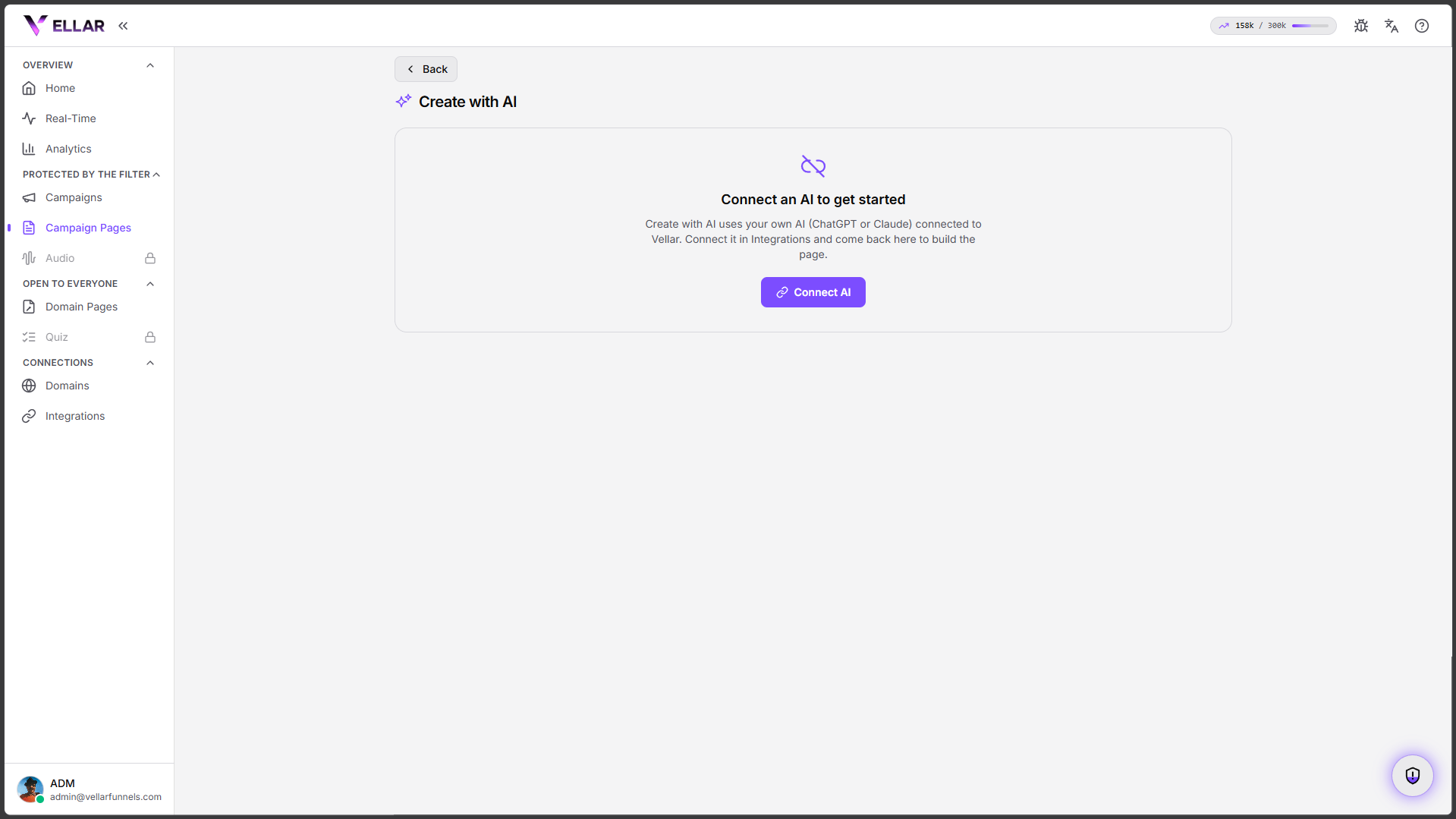
The option needs a connected AI. If you see "Connect an AI to get started", click Connect AI: that takes you to the Integrations screen. See Connect your AI.
How it works
- With the AI connected, open Create with AI.
- Describe the page you want (offer, style, sections).
- The AI builds the page and opens it in the editor for you to adjust.
The created page starts as a draft, not published. Review it, tweak it in the editor and publish when it's ready.
Common issues
- "Connect an AI to get started." No AI is connected to your workspace. Connect one in Integrations and come back.
- The page came out different from what I asked. The AI is a starting point. Open the editor and adjust blocks, text and images freely.
Protect your campaigns with Vellar
Build the page and choose how to publish it: protected for paid traffic, or open for anything else.
See how it works