
Page metrics
See retention, time on page and speed for each page.
Each page has its own metrics screen, showing the performance of the people who landed on it: retention, time on page and load speed.
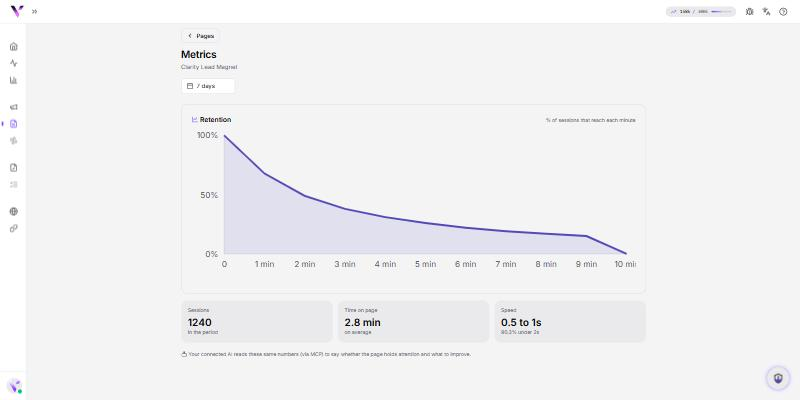
What you see
- Retention: how far through the page people get before leaving.
- Time on page: how long they stay, on average.
- Speed: how fast the page loads for the visitor.
Use the period selector to compare days. The data starts on Today and you can open wider periods.
How to open it
In the Pages list, open the page and go to Metrics (or through the page's actions menu).
Common issues
- "No data yet." The page is new or hasn't received visits in the chosen period. Switch the period or wait for traffic to arrive.
Protect your campaigns with Vellar
Build the page and choose how to publish it: protected for paid traffic, or open for anything else.
See how it works