
Upload files
Upload a ready-made site (HTML, CSS, images) from your computer.
In Pages → Create page → Upload files, you upload a ready-made site from your computer. It becomes a Domain page, as a draft.
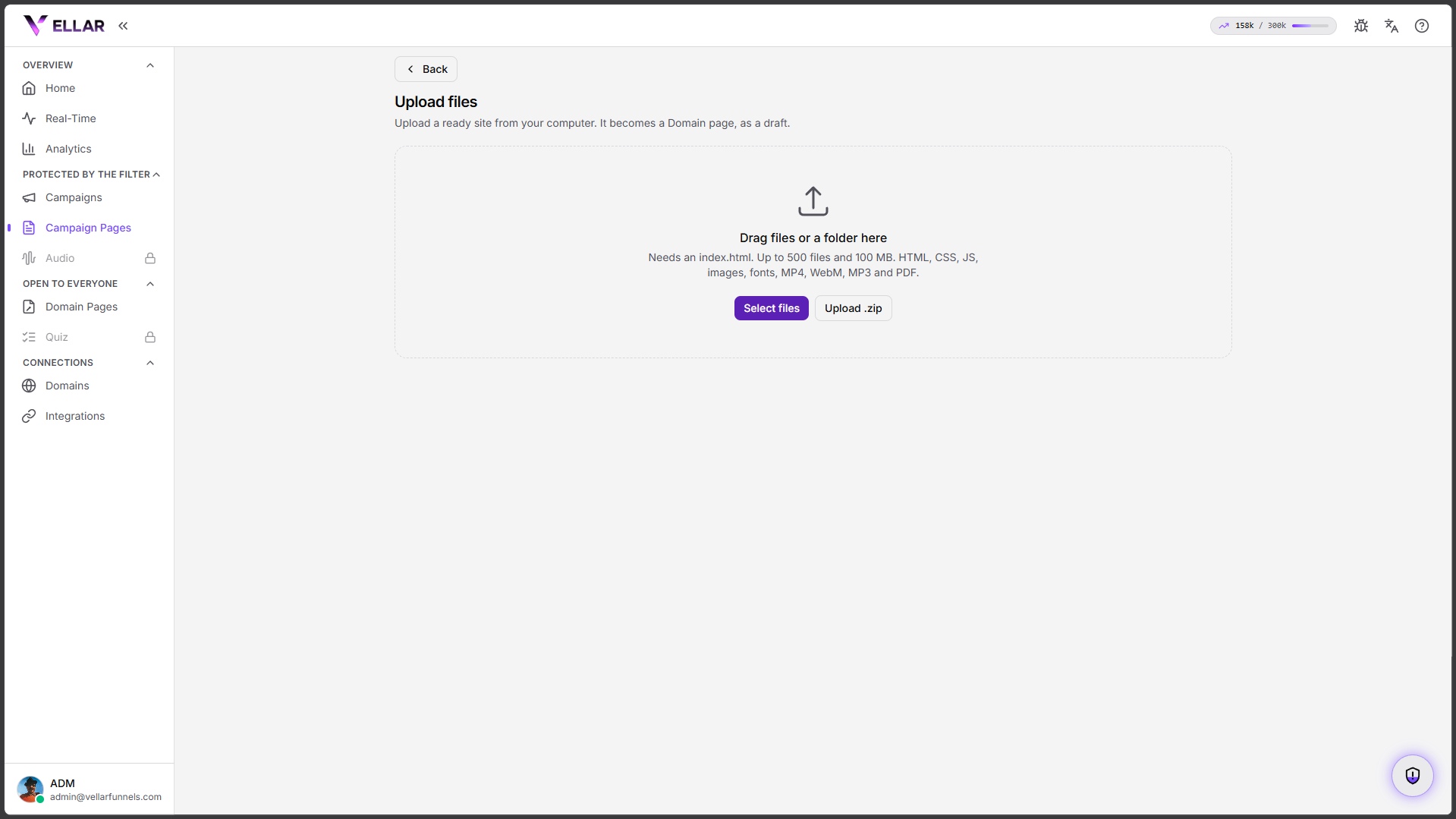
How to upload
- Open Create page and choose Upload files.
- Drag the folder (or the files) onto the drop area, or click Select files. You can also upload a .zip.
- The set must include an index.html.
Limits: up to 500 files and 100 MB. Accepted formats: HTML, CSS, JS, images, fonts, MP4, WebM, MP3 and PDF.
After uploading
The page lands as a draft under Domain pages. Publish it whenever you want (see Publish and Trash).
Common issues
- "Needs an index.html." The set didn't have a home page. Make sure there's
an
index.htmlfile at the root of what you uploaded. - Over the limit. The upload accepts up to 500 files and 100 MB. Remove what isn't needed (heavy videos, for example) and try again.
Protect your campaigns with Vellar
Build the page and choose how to publish it: protected for paid traffic, or open for anything else.
See how it works